How to get a Let’s Encrypt certificate while using CloudFlare
certbot-auto certonly --webroot --webroot-path /usr/share/nginx/html/ --renew-by-default --email [email protected] --text --agree-tos -d example.tld -d www.example.tldcertbot-auto certonly --webroot --webroot-path /usr/share/nginx/html/ --renew-by-default --email [email protected] --text --agree-tos -d example.tld -d www.example.tldOne of my clients asked me to BAN an specific country to one of his sites.
Since we have Cloudflare, this is how I made it…
On .htaccess I’v simply added the following lines – on the top of .htaccess -.
SetEnvIf CF-IPCountry IN BuzzOff=1
SetEnvIf CF-IPCountry PT BuzzOff=1
Order allow,deny
Allow from all
Deny from env=BuzzOff
But remember!
Domain/subdomain must have Cloudflare active on DNS settings…







Discourse has a recent (5month old?) template to handle with this.

Lets add – “templates/cloudflare.template.yml” to our templates scheme…
nano containers/app.yml
Save it and rebuild the app! 🙂
./launcher rebuild app

Et voilá!, my ISP (portuguese) IP! 🙂

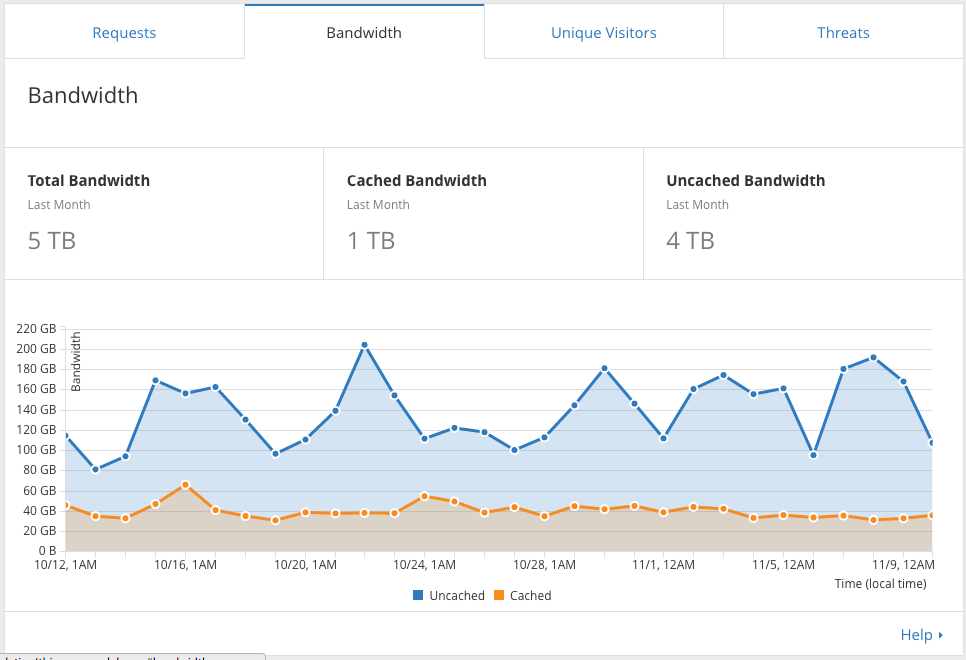
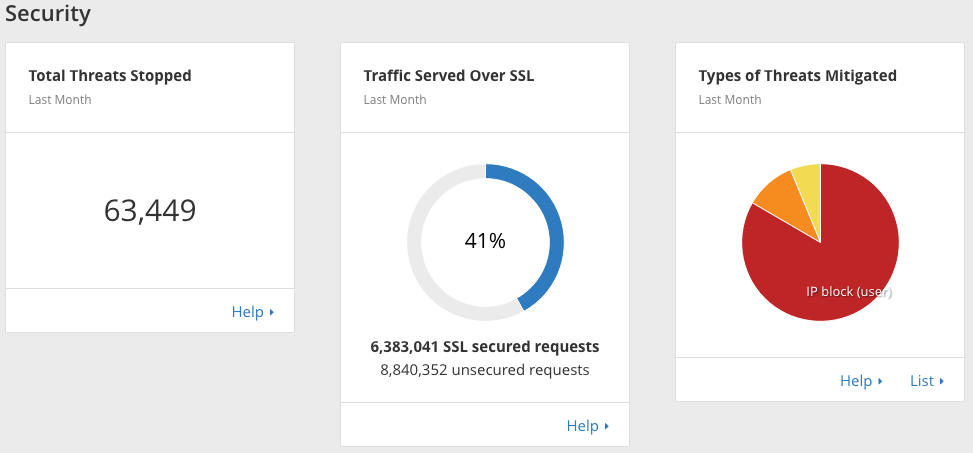
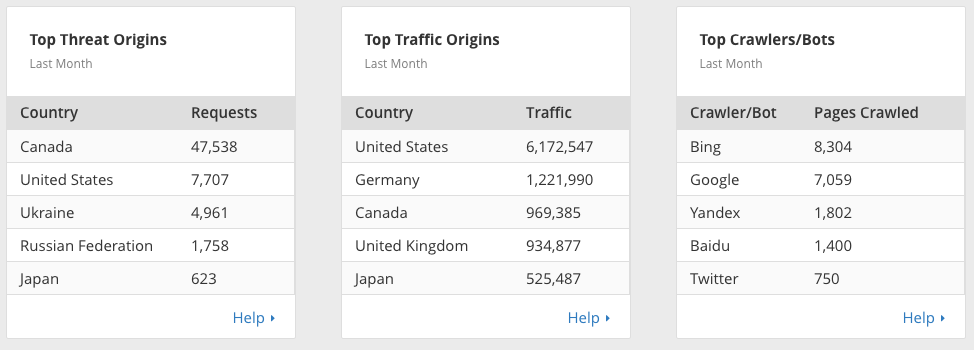
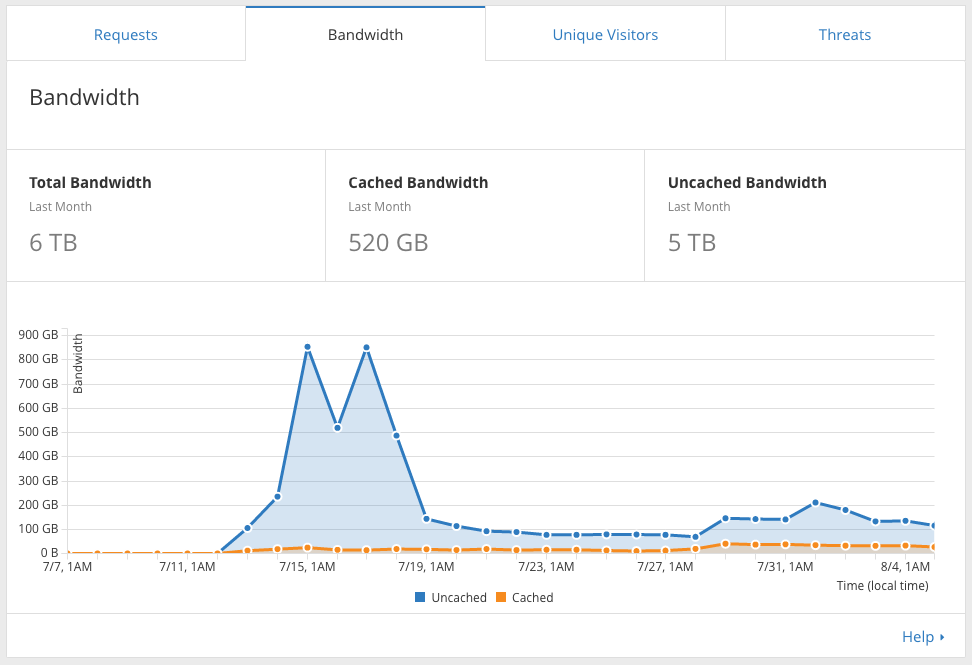
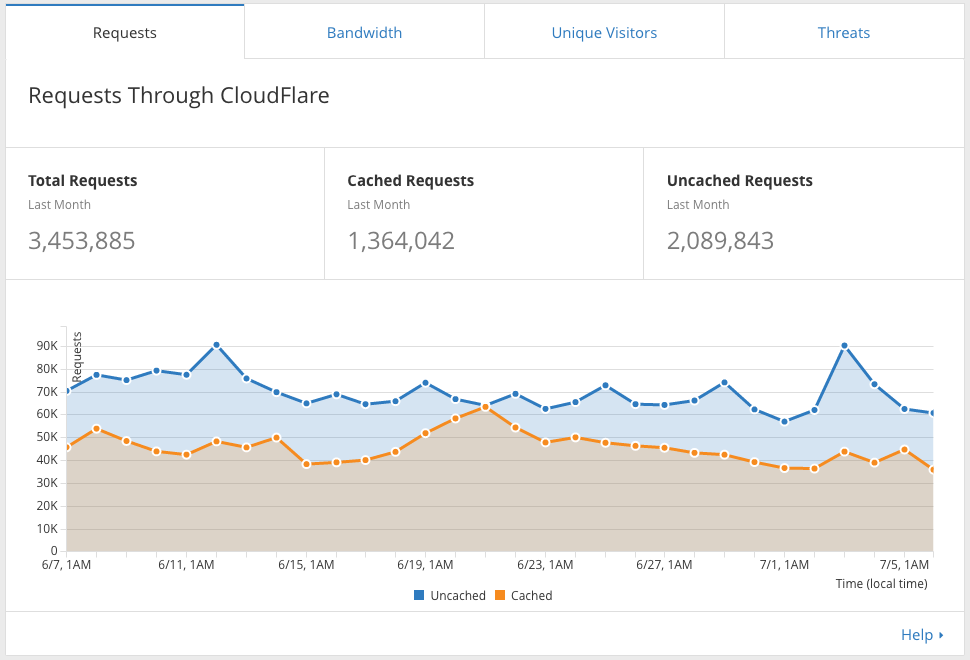
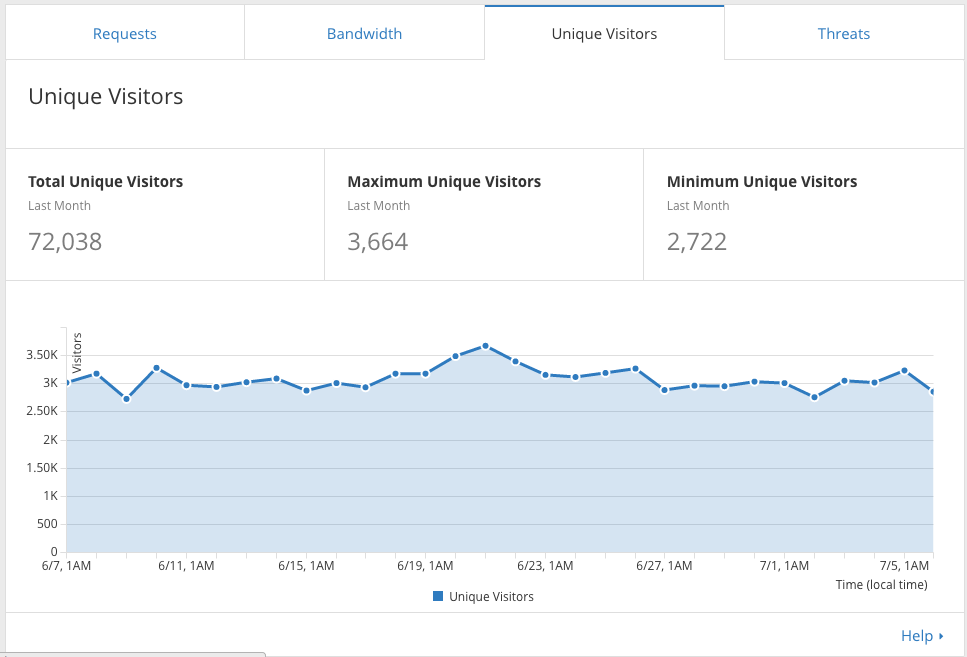
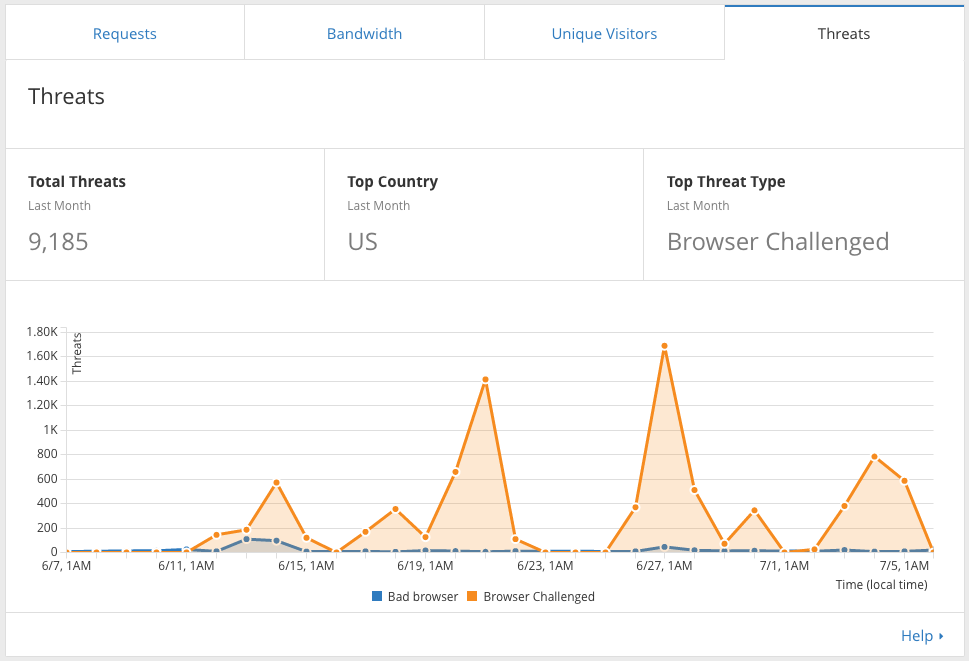
Some cloudflare stats from one client’s domain…

SUPZ!
One of my blogs is getting lots of login attempts from HACKERS :>
Only allow specific IP to access a specific directory
Inside the configuration of the domain (ex. /etc/nginx/sites-enabled/playboy.com), lets add the following entries – this will allow IP 84.91.XXX.XXX to wp-admin folder and block all the others
 location /full_movies/ {
      allow 84.91.XXX.XXX;
      deny all;
 }
This should to the trick! but if we are using cloudflare the domain we need to add some lines at our nginx.conf (/etc/nginx/nginx.conf) so nginx reads the correct IP from the visitor…
Inside http { lets add the following
set_real_ip_from 204.93.240.0/24;
set_real_ip_from 204.93.177.0/24;
set_real_ip_from 199.27.128.0/21;
set_real_ip_from 173.245.48.0/20;
set_real_ip_from 103.22.200.0/22;
set_real_ip_from 141.101.64.0/18;
set_real_ip_from 108.162.192.0/18;
real_ip_header CF-Connecting-IP;
Horray!
To protect your wordpress login & wp-admin…
  location ~ '(/wp-login.php|/wp-admin)' {
            allow 84.91.4.220;
            deny all;
        }
This might affect your theme/plugins.
It protects /wp-admin/wp-ajax.php….
If we have CloudFlare active on the domain/subdomain that is protected with IP *validation* we need to install libapache2-mod-cloudflare, so Apache can see the real visitor IP, other way it will see the CloudFlare IP, and we wont be able to access the sub/domain.

Step 1
echo 'deb http://pkg.cloudflare.com/ trusty main' | sudo tee /etc/apt/sources.list.d/cloudflare-main.list
Step 2
curl -C - https://pkg.cloudflare.com/pubkey.gpg | sudo apt-key add -
Step 3
sudo apt-get update
Step 4
grep ^Package: /var/lib/apt/lists/pkg.cloudflare.com_dists_trusty_main_binary-amd64_Packages
Step 5
sudo apt-get install libapache2-mod-cloudflare
Step 6
sudo service apache2 restart
