

chmod it to 755 and it will solve the problem.

chmod it to 755 and it will solve the problem.


I’m deploying SSL to one of my domains and some of his subdomains…
I was forcing any request to HTTP to be redirected to HTTPS with NGINX but…. it was causing a loop!
I had to disable the redirect at nginx and do it with Cloudflare Page Rules.

So!,
I was trying to SSH a host…
Somehow it was requesting id_rsa.pub……… and asking for an password!

…
This is how I solved it…
ssh -v -i path/to/id_rsa [email protected]
!!

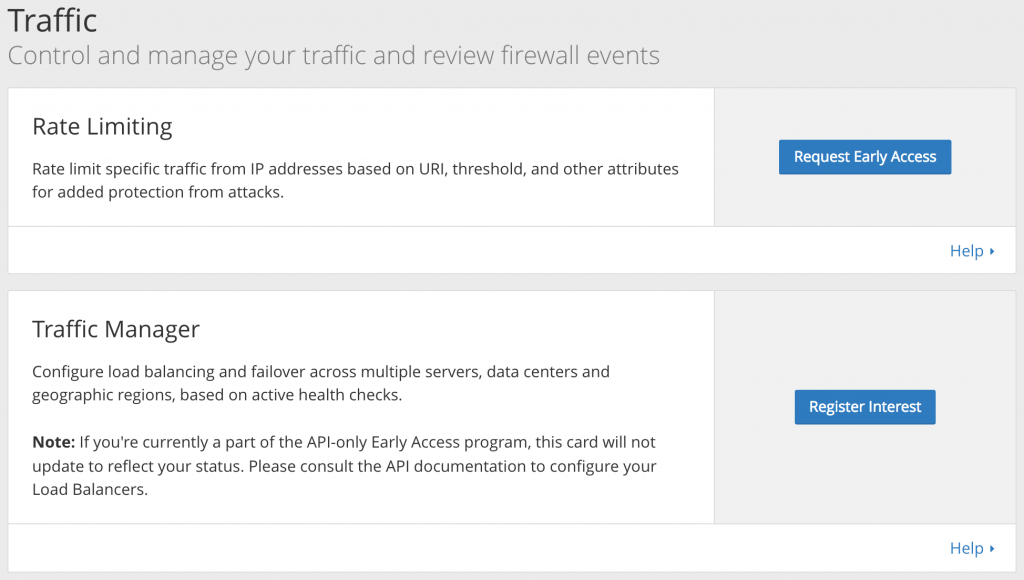
Rate limit specific traffic from IP addresses based on URI, threshold, and other attributes for added protection from attacks.
Configure load balancing and failover across multiple servers, data centers and geographic regions, based on active health checks.
Note: If you’re currently a part of the API-only Early Access program, this card will not update to reflect your status. Please consult the API documentation to configure your Load Balancers.
ln -s /etc/apache2/mods-available/expires.load /etc/apache2/mods-enabled/
a2enmod headers
At the end… restart Apache!
service apache2 restart
certbot-auto certonly --webroot --webroot-path /usr/share/nginx/html/ --renew-by-default --email [email protected] --text --agree-tos -d example.tld -d www.example.tldas heard on https://soundcloud.com/lektroluvrecords/dr-lektroluv-live-switch (13m)
I was getting the following error on a *fresh* CentOS…
Warning: Unknown: open(/var/lib/php/session/sess_isu2r2bqudeosqvpoo8a67oj02, O_RDWR) failed: Permission denied (13) in Unknown on line 0
Warning: Unknown: Failed to write session data (files). Please verify that the current setting of session.save_path is correct (/var/lib/php/session) in Unknown on line 0
This will do the work…
chown -R nginx:nobody /var/lib/php/session && chmod -R 770 /var/lib/php/session
So!, I have with almost 3Gb… and I need to make a search & replace…
This looks the best way to me…
EXPORT FROM MYSQL > LINUX SEARCH & REPLACE > IMPORT TO MYSQL
Dump database to text file
mysqldump -u user -p databasename > ./db.sqlRun sed command to find/replace target string
sed -i 's!oldString!newString!g' ./db.sqlReload the database into MySQL
mysql -u user -p databasename < ./db.sqlAs copied from http://stackoverflow.com/questions/11839060/find-and-replace-text-in-the-entire-table-using-a-mysql-query