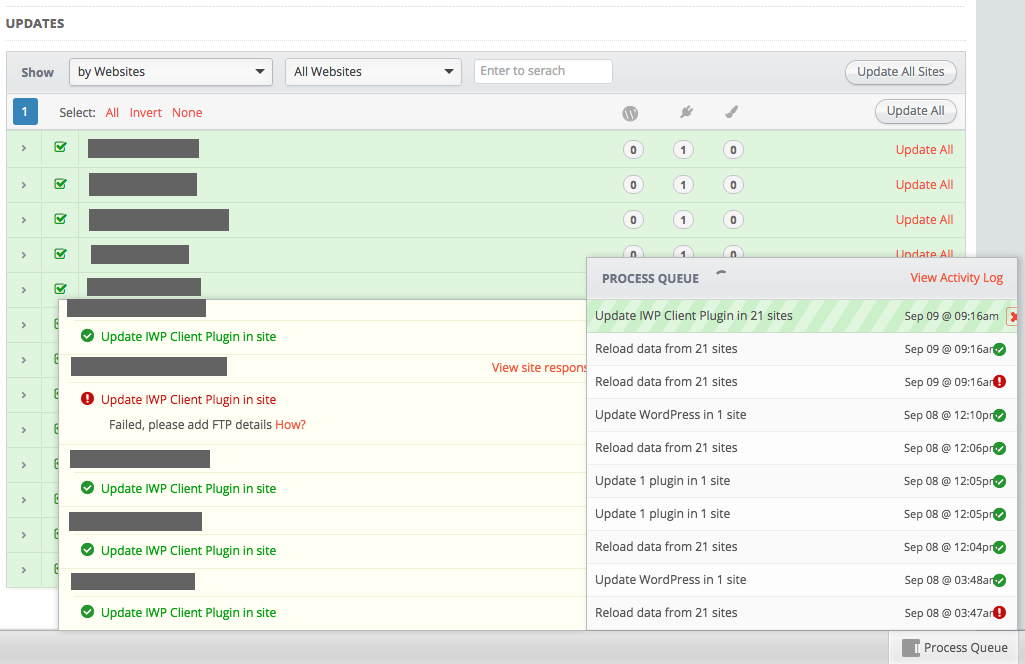
WordPress – Contact Form 7 File Upload Limit
One of my client’s wants a Contact Form with upload files.
To allow files bigger than 1Mb? WTF, I had to edit
wp-content/plugins/contact-form-7/modules/file.php
and comment
$allowed_size = 1048576; // default size 1 MB
add (or correct the value)
$allowed_size = 100048576;
Some nixstats stats
11 servers, 14TB & 137Gb memory and counting…


“SMTP Error: Could not authenticate”
I had to install WP-Mail-Bank in one of my WordPress pages/blogs/store, so it can send emails to *people* 🙂
I was getting “SMTP Error: Could not authenticate” on the test email tab.
I had to went to https://accounts.google.com/b/0/DisplayUnlockCaptcha and continue with this request. This gives us a 10min window to connect to Google in an *unsecure* way. Google detects the connection and allow it for the future.
Reference: http://stackoverflow.com/questions/3949824/smtp-error-could-not-authenticate-in-phpmailer
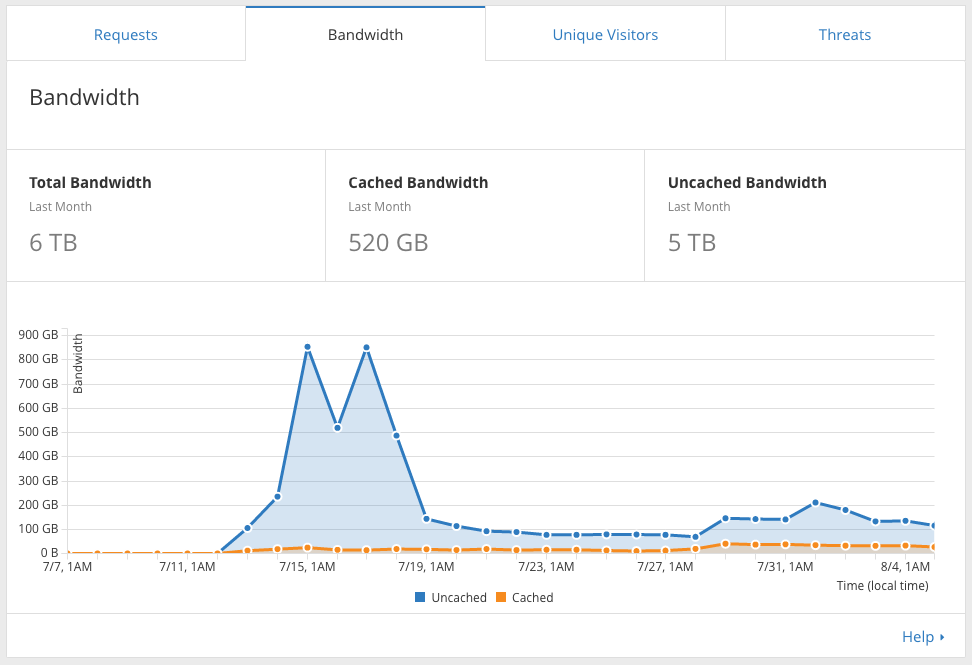
A recently client’s domain added to Cloudflare



jQuery – Popup Only Once Per Visitor
One of my clients wanted this on his site…. “Popup Only Once Per Visitor”
Here is a nice example… 🙂
It works.
fail2ban not *running*
I realized that fail2ban wasn’t banning SSH fail login attempts…

My server’s time is different from the one being logged by rsyslog ’cause I had to change my timezones once…….. 🙂
Lets restart rsyslog.
sudo service rsyslog restart
Hooray!

References
Registrar IDs

Negotiation: discovered file(s) matching request
AH00687: Negotiation: discovered file(s) matching request: /home/httpd/html/domain.com/public_html/login (None could be negotiated)., referer: http://www.domain.com/
Under the domain.com.conf I had
Options Indexes FollowSymLinks MultiViews
The solution is to remove MultiViews from it.
Options Indexes FollowSymLinks
discourse – htpasswd protected

I have client who *needs* discourse under a subdomain that should be only accessed by users who have a valid username & password in a .htpasswd….
Since discourse doesn’t use Apache I had to implement Apache ProxyPass to solve this ‘issue’…
This is how it looks…
<VirtualHost *:80>

 ServerName social.subdomain.com

 ProxyPreserveHost Off
 ProxyPass / http://192.241.XXX.XX/
 ErrorLog /data/logs/discourse_error.log

 <Location />
   AuthType Basic
   AuthName "Only for members"
   AuthBasicProvider file
   AuthUserFile "/path/to/.htpasswd"
   Require valid-user
 </Location>

</VirtualHost>
This might not be the best solution….. comments are appreciated! 🙂