
A sua ligação não é privada -m.my.vodafone.pt

Fight for the Future is dedicated to protecting and expanding the Internet’s transformative power in our lives by creating civic campaigns that are engaging for millions of people. Alongside internet users everywhere we beat back attempts to limit our basic rights and freedoms, and empower people to demand technology (and policy) that serves their interests. Activating the internet for the public good can only lead to a more vibrant and awesome world. More coming soon.
https://www.fightforthefuture.org

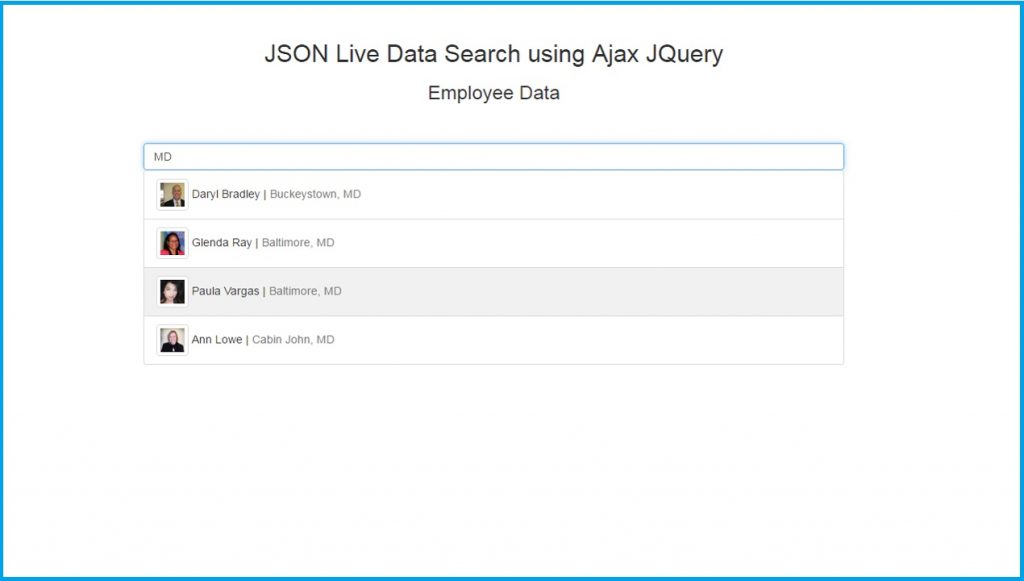
Here are two simple working examples of a Jquery Ajax Search using JSON data.

Automated security for apps that matter
Sqreen monitors your application security and helps you easily protect it from common vulnerabilities or advanced attacks.


While I was working on some web app using DataTables, I came across with the following error

DataTables warning: table id=k_table_1 – Cannot reinitialise DataTable. For more information about this error, please see http://datatables.net/tn/3
https://datatables.net/manual/tech-notes/3
The solution was to normalize the id for the table.
Where I had k_table_1 now I have ktable1.

<script src="https://ajax.googleapis.com/ajax/libs/webfont/1.6.16/webfont.js"></script>
    <script>
        WebFont.load({
            google: {"families":["Poppins:300,400,500,600,700"]},
            active: function() {
                sessionStorage.fonts = true;
            }
        });
</script>write down a command-line to see the help text that matches each argument

Hello,
This site contains 29761 parsed manpages from sections 1 and 8 found in Ubuntu’s manpage repository. A lot of heuristics were used to extract the arguments of each program, and there are errors here and there, especially in manpages that have a non-standard layout.
It is written in Python and uses bashlex, a bit of NLTK (to find the interesting parts of the manpage), a little d3.js (for the connecting lines graphic) and Flask. It is served with uwsgi and nginx. Source code is available on github.
My name is Idan Kamara and you can contact me at idan at explainshell dot com for any questions or suggestions.

This is how!
apt-get autoclean
apt-get autoremove
cd /var/discourse
./launcher cleanup
!!