All posts by PF

ServeTheHome, hardware review site and other things

Found this nice website http://www.servethehome.com/, a hardware review site, while I was searching for some benchmarks of REDIS running on Avoton c2550 CPUs…

From time to time we do receive products for review from vendors. Some products we receive are pre-release samples so that reviews can be produced in time for product launch. We will distinguish which products are pre-production samples.

It is our practice never to receive monetary compensation for a stated review outcome. What does this mean? We are not taking money to give positive reviews or say one product is better than another. Conclusions drawn in articles are due to the merits of what was reviewed. That’s the way it should be.

ServeTheHome does not have an in-house ad sales department. That means that external ad networks sell and serve the banner advertisements on the site. From time to time commissioned links may be posted, but frankly feel free not to use them (although we appreciate if you do.) This site costs a lot of money to maintain, and advertisements help keep the lights on. We also purchase some hardware for review and advertisements help pay for that. In no way do advertisements influence the outcome of a review.


DNS_PROBE_FINISHED_NXDOMAIN

My Google Chrome is returning me the error DNS_PROBE_FINISHED_NXDOMAIN while I’m trying to access one of my subdomains that I’v recently moved (forced to) http to https.

I’v tried to flush my DNS serversit didn’t worked :/

sudo dscacheutil -flushcache

You *must* change your DNS servers to another one… I usually OpenDNS some times…

OpenDNS IP Addresses

  • 208.67.222.222
  • 208.67.220.220

By the way! – I didn’t made this – I’v removed all my browser’s cache.

Oreilly High Performance Browser Networking – free ebook

hpbncover

How prepared are you to build fast and efficient web applications? This eloquent book provides what every web developer should know about the network, from fundamental limitations that affect performance to major innovations for building even more powerful browser applications—including HTTP 2.0 and XHR improvements, Server-Sent Events (SSE), WebSocket, and WebRTC.

Author Ilya Grigorik, a web performance engineer at Google, demonstrates performance optimization best practices for TCP, UDP, and TLS protocols, and explains unique wireless and mobile network optimization requirements. You’ll then dive into performance characteristics of technologies such as HTTP 2.0, client-side network scripting with XHR, real-time streaming with SSE and WebSocket, and P2P communication with WebRTC.

  • Deliver optimal TCP, UDP, and TLS performance
  • Optimize network performance over 3G/4G mobile networks
  • Develop fast and energy-efficient mobile applications
  • Address bottlenecks in HTTP 1.x and other browser protocols
  • Plan for and deliver the best HTTP 2.0 performance
  • Enable efficient real-time streaming in the browser
  • Create efficient peer-to-peer videoconferencing and low-latency applications with real-time WebRTC transports


http://chimera.labs.oreilly.com/books/1230000000545/index.html

PHP exec in background

So, in one of my projects/products/services, I need to execute ffmpeg via PHP…
Usually I use at do send the job to a queue list.. unfortunately in two different clients’ servers somehow PHP + exec and at doesn’t work well….

This is how we send a PHP exec to background

exec(command > /dev/null 2>/dev/null &);


As seen on http://stackoverflow.com/questions/8961470/how-to-make-shell-exec-run-in-background-while-php-continues

nginx – allow only one IP to access the domain/subdomain

Restricting Access

Access can be allowed or denied by the IP address of a client or by using the HTTP basic authentication.To allow or deny access from a certain set of addresses, or all addresses, use the allow and deny directives:

location / {
    allow 192.168.1.1/24;
    allow 127.0.0.1;
    deny 192.168.1.2;
    deny all;
}

Copy&Past from http://nginx.com/resources/admin-guide/restricting-access/

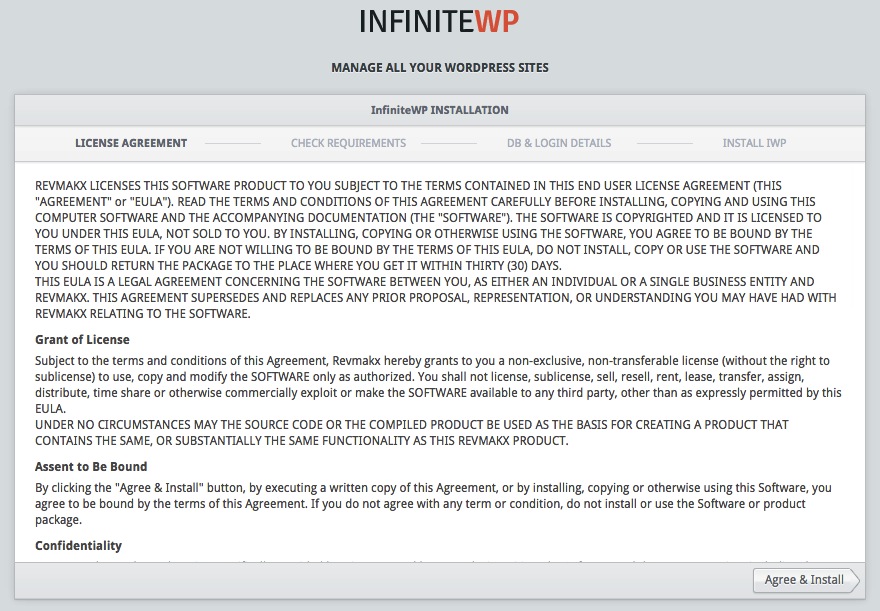
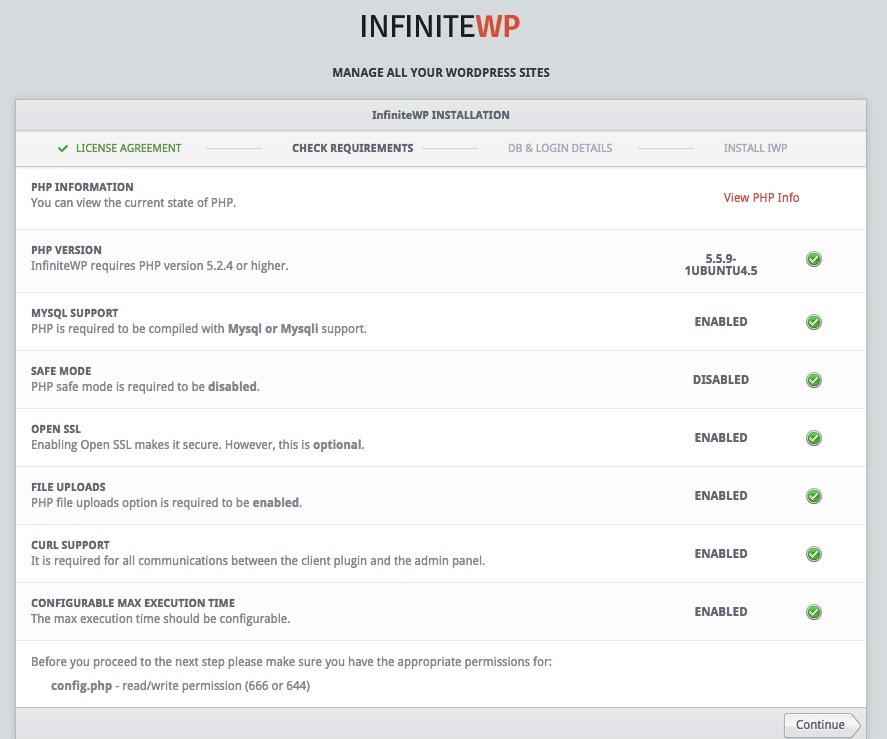
InfiniteWP – self-hosted multiple WordPress management platform

I run several WP blogs/sites… for me and for my clients…
3 of my WP blogs get 1.5K users per day… they aren’t huge, but they might get some extra attention to hackers…
Wordpress this days had some huge security vulnerabilities – WordPress itself and well known plugins like JetPack!…

One of my clients use Infinite WP.
I might try this out!

What is InfiniteWP?
InfiniteWP is a free, self-hosted multiple WordPress management platform that simplifies your WordPress management tasks into a simple click of a button.

TOP FEATURES
One Master Login
One-click access to all your WordPress dashboards. Forget your passwords once and for all.
One-click updates
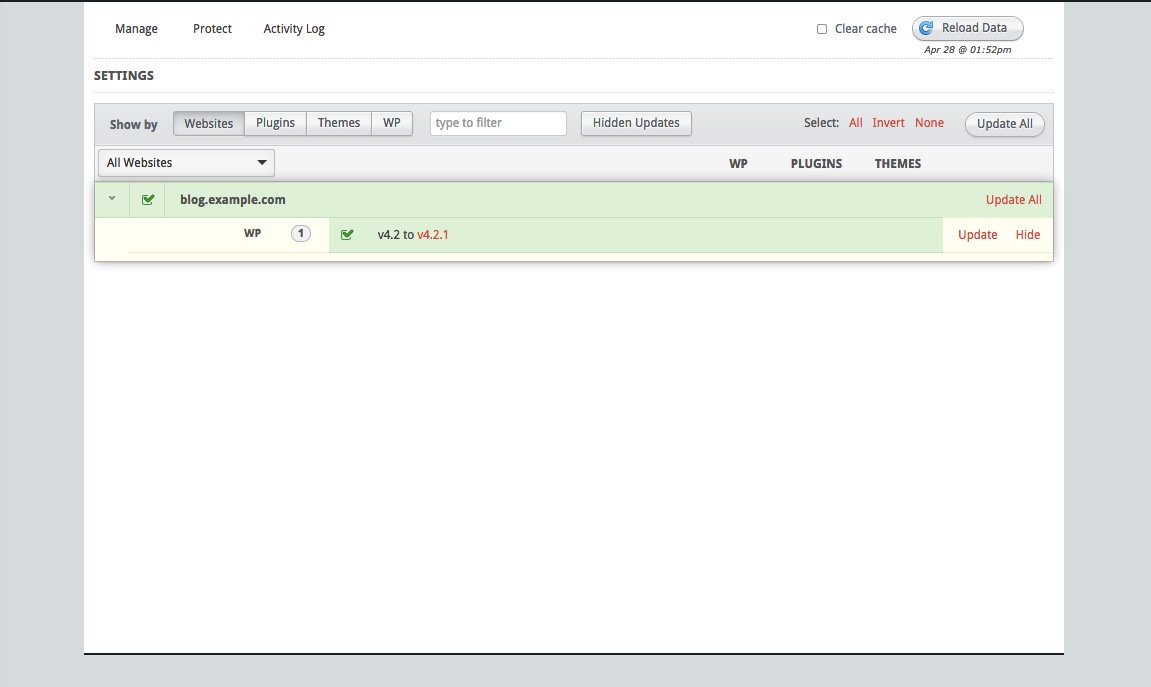
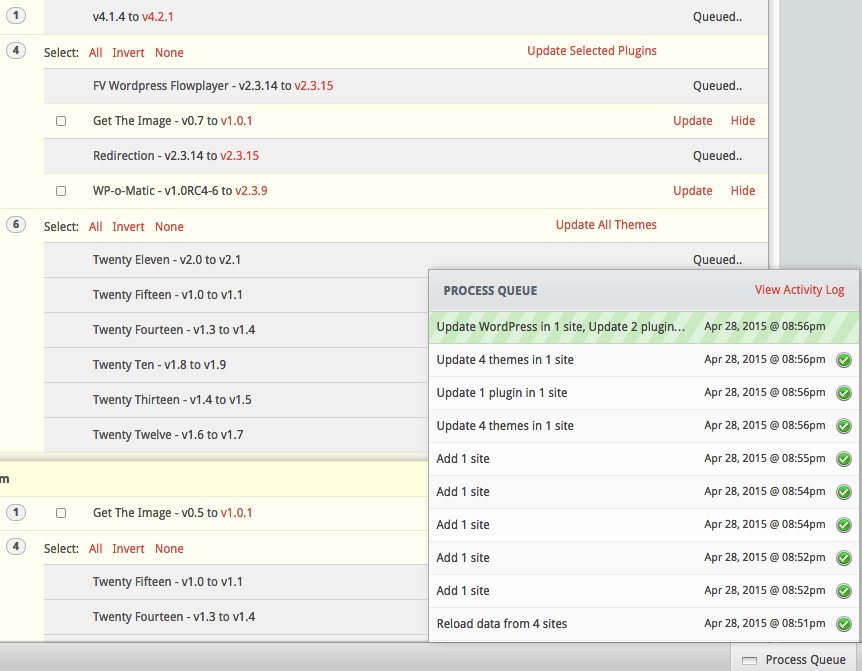
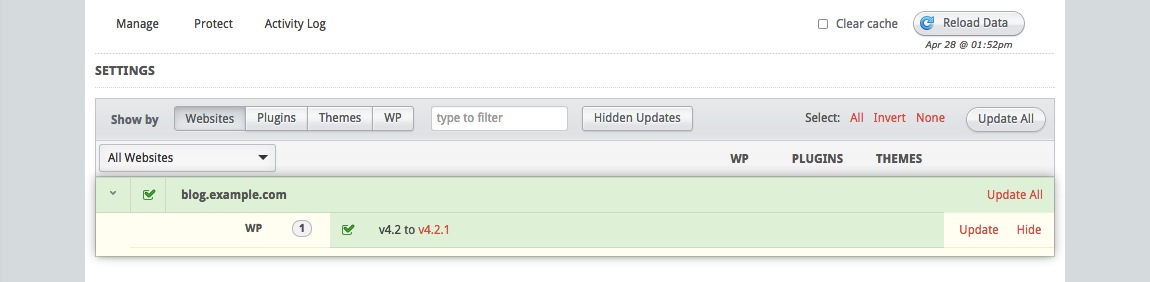
Click the Update All button like a Boss and update everything – WP core, plugins and themes.
Instant Backup & Restore
Create backups of all your WordPress sites simultaneously. Restore backups instantly.
Manage Plugins & Themes
Activate, Deactivate and delete plugins and themes in bulk. Bulk install favorite plugins with a single click.

Google Chrome 85 Google Chrome 84


Google Chrome 83


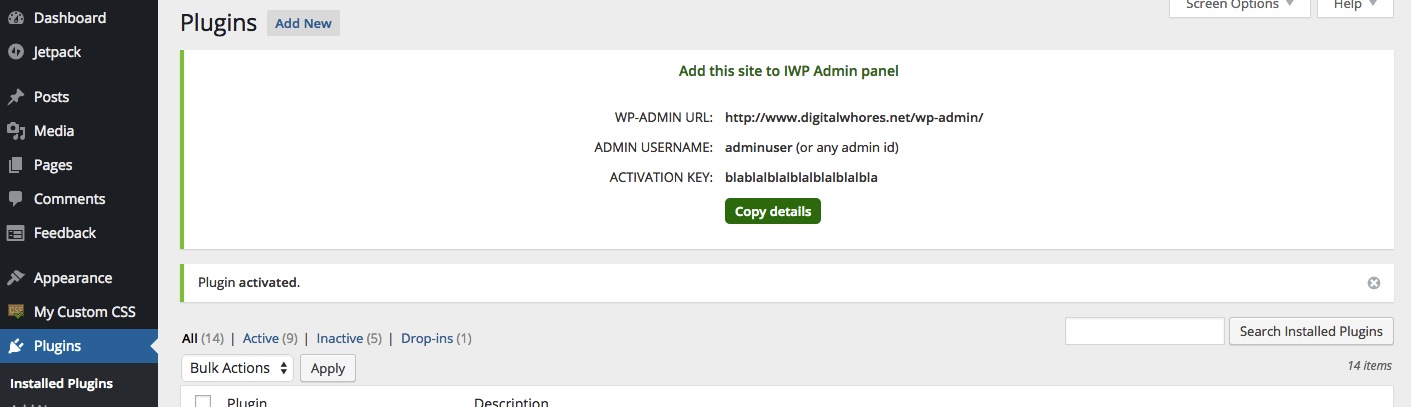
On your wordpress you need to install InfinityWP plugin.
After install and activate it, you will see a screen like this…
Hit the Copy details and, from your WP you are done.

Google Chrome 81

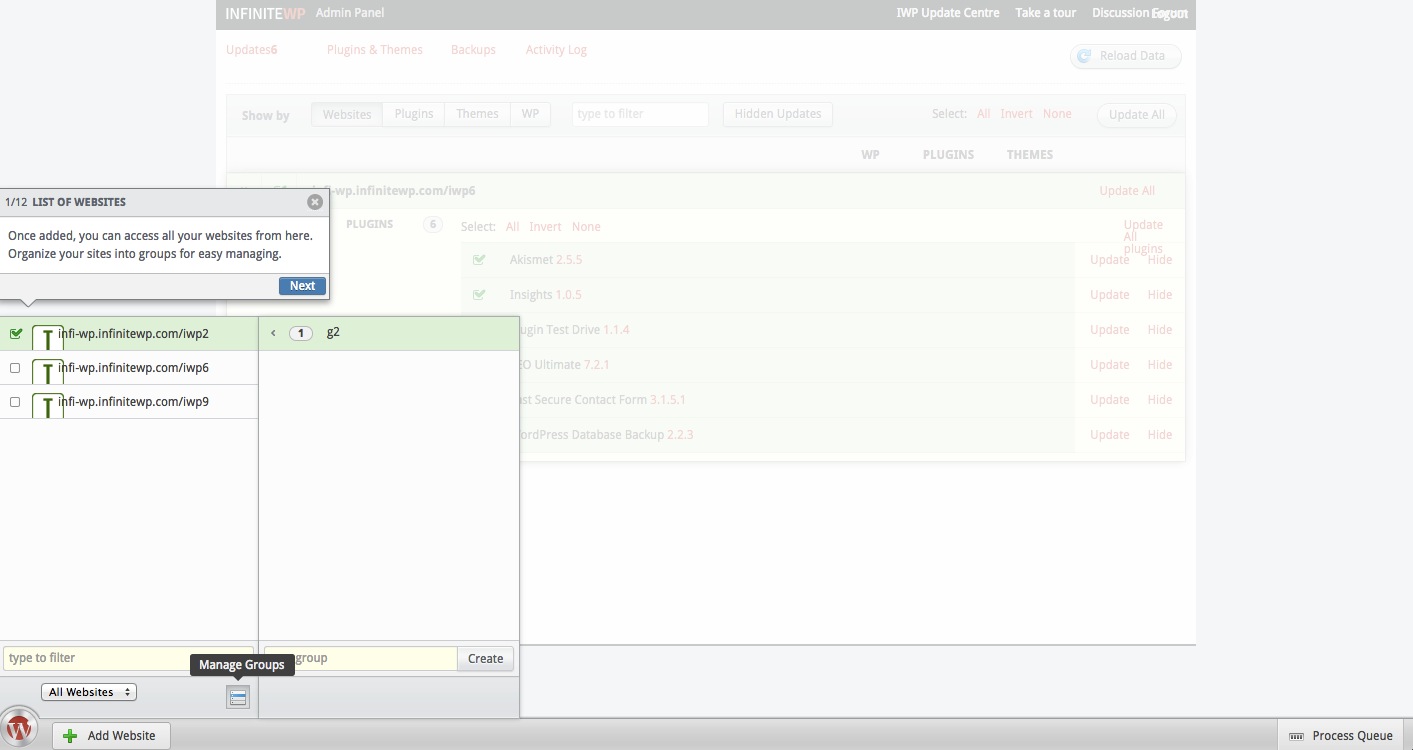
On you Infinity WP, on the left bottom you will see a Add Website bottom. Hit it!

Google Chrome 86


Now, just Past the codes copied from your WordPress blog… 🙂
Repeat this for all your blogs! 🙂

Google Chrome 80

Google Chrome 82  Google Chrome 76

Google Chrome 77

Google Chrome 78

Google Chrome 79