

I guess not… at least this was what I got…
btw, i’m with a Portuguese IP.
Even using a VPN connection via US California.

I guess not… at least this was what I got…
btw, i’m with a Portuguese IP.
Even using a VPN connection via US California.
As heard on Todd Terje – Essential Mix – 07/26/2013
https://www.youtube.com/watch?v=5tc0KjdbE0w
SHIT!
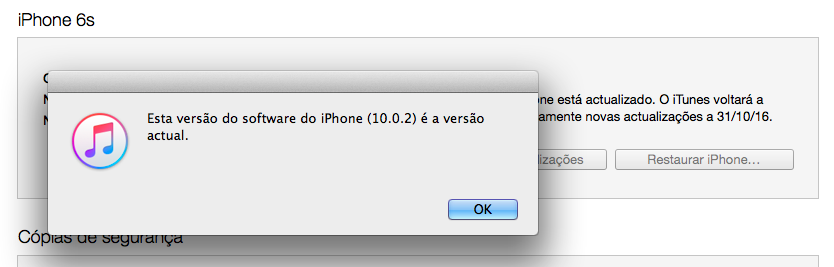
There’s a security update on iOS and iTunes CAN’T FIND IT FOR ME!
Why? ’cause I’m Portuguese?!


CHECK_NRPE: Received 0 bytes from daemon. Check the remote server logs for error messages.

Testing check_nrpe from nagios server to one of our nrpe hosts..
[18:36][root@ops /etc/nagios/hosts]# /usr/lib64/nagios/plugins/check_nrpe -H 192.XXX.XX.XX -c check_disk -a 60 80 /
CHECK_NRPE: Received 0 bytes from daemon. Check the remote server logs for error messages.
As we can see (first image), nagios server can see/ping the nrpe host…
Taking a look of my logs at the nrpe host located at
Oct 20 14:51:56 ubuntu-512mb-nyc1-01 nrpe[17097]: Error: Request contained command arguments!
Oct 20 14:51:56 ubuntu-512mb-nyc1-01 nrpe[17097]: Client request was invalid, bailing out...
This means that nrpe isn’t configured to allow command arguments.
Some possible ways to fix it!..
Matt Yakel said that he had to add the following line to to the /etc/services
nrpe 5666/tcp # nrpe
Mine already had it so…. this wasn’t my problem.
WELL!, since this was taking to long!
I decided to make the request without passing arguments from the server to the host.
This way, we can have dont_blame_nrpe=0.
Like *everyone* else uses, I’v defined check_nrpe_1arg command on my nagios server on file /etc/nagios/objects/commands.cfg.
Edit
nano /etc/nagios/objects/commands.cfg
Add the following lines to it
define command{
   command_name        check_nrpe_1arg
   command_line        $USER1$/check_nrpe -H $HOSTADDRESS$ -C $ARG1$
}
Now, on the file of the desired host configuration file (/etc/nagios/hosts/), lets replace check_nrpe for check_nrpe_1arg and remove the arguments.
Example
define service {
 use generic-service
 host_name sdxxx.host.com
 service_description DISK: root partition
 check_command check_nrpe_1arg!check_disk
}
On nagios nrpe host, on nrpe.cfg we need to use the hardcoded command arguments.
Example
command[check_users]=/usr/lib/nagios/plugins/check_users -w 5 -c 10
command[check_load]=/usr/lib/nagios/plugins/check_load -w 15,10,5 -c 30,25,20
command[check_disk]=/usr/lib/nagios/plugins/check_disk -w 20 -c 10 -p /
command[check_procs]=/usr/lib/nagios/plugins/check_procs -w 300 -c 500 -s RSZDT
command[check_apt]=/usr/lib/nagios/plugins/check_apt
This possible solution worked for me. 🙂
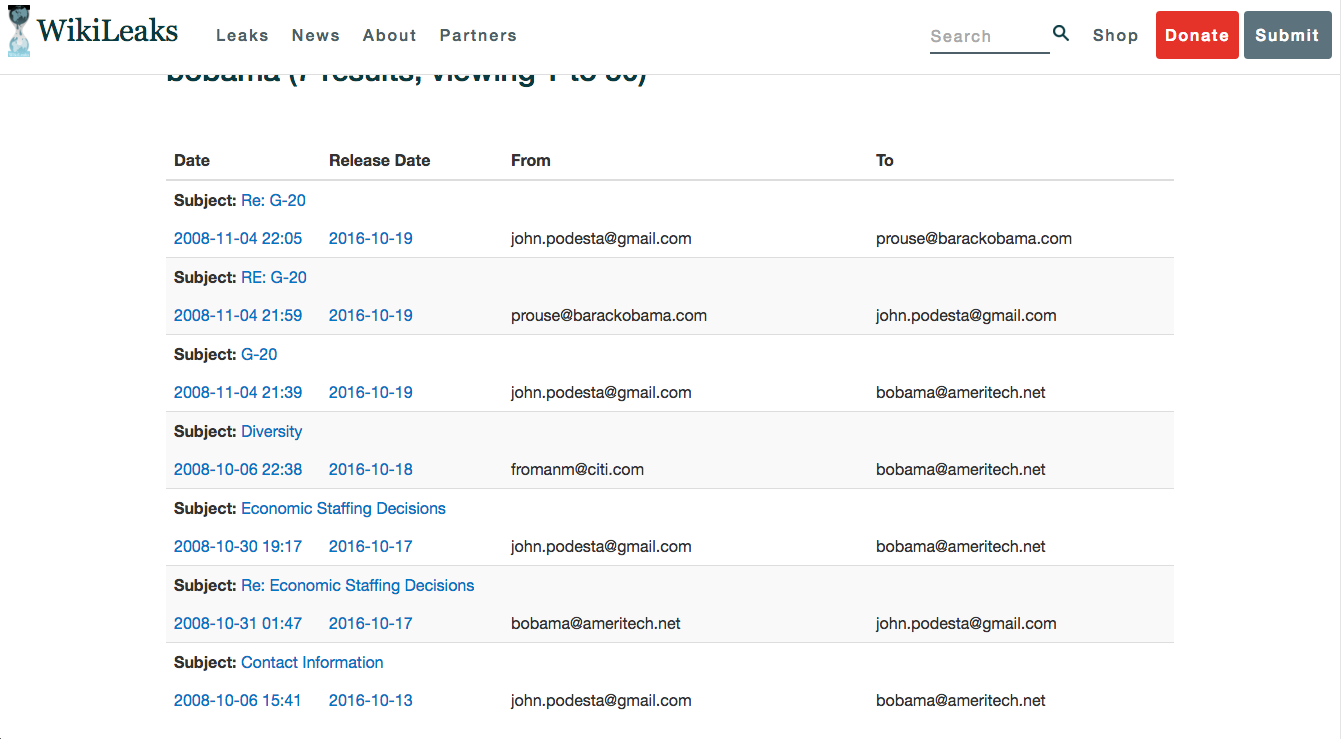
According to WikiLeaks, US president Barack Obama was using [email protected] mail box to send out secret emails.
WikiLeaks reveals first batch of US president Barack Obama emails sent via secret address [email protected] https://t.co/Ni95WAl8a6
— WikiLeaks (@wikileaks) October 20, 2016
Continue reading US president Barack Obama was using [email protected]

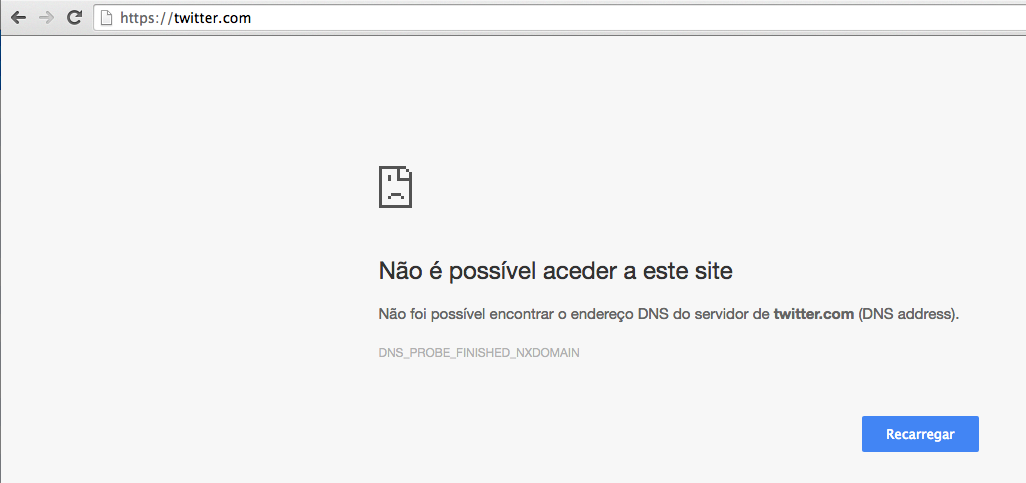
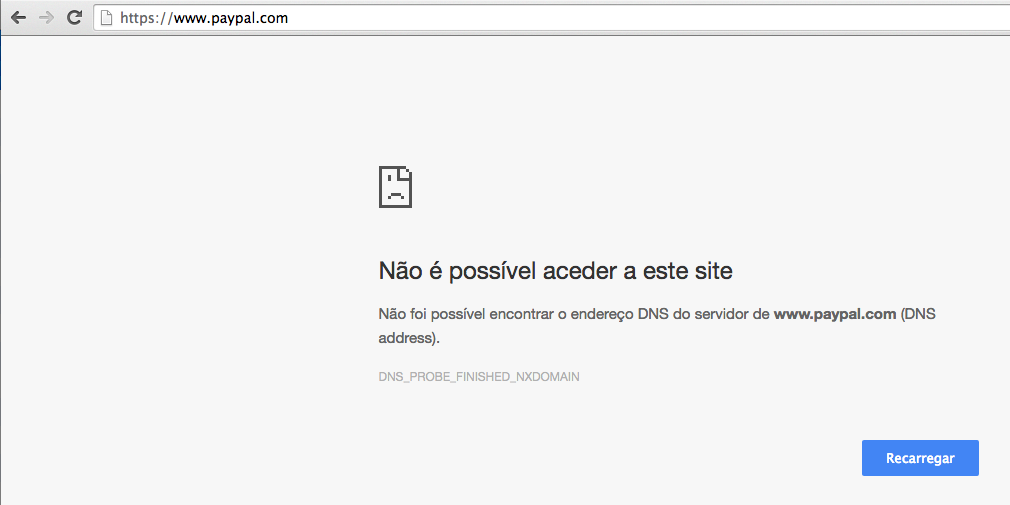

Twitter, Spotify, Gitub and Paypal are down for me.
The New York Times – nytimes.com – and Reddit are up for me!
Some of the affected websites, according to a wordfence.com post.
So!,
One of my clients needs a plugin on his discourse installation!
First you need to update your discourse installation!
Then grab the GIT url from the plugin.
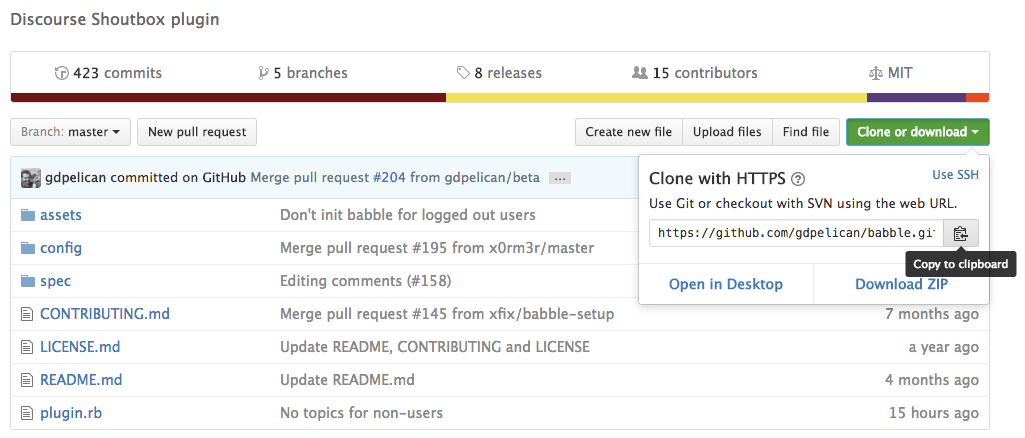
Let’s edit app.yml
nano /var/discourse/containers/app.yml
and add the url of plugin’s git (author recommends, for those with discourse running the latest version to use -b beta)
- git clone -b beta https://github.com/gdpelican/babble.git

Rebuild the container!
cd /var/discourse
./launcher rebuild app
https://meta.discourse.org/t/babble-a-chat-plugin/31753
Okay!, here we go.
Download check_yum plugin from https://github.com/calestyo/check_yum/blob/master/check_yum to /usr/lib64/nagios/plugins/ on your CentOS nrpe server.
Add the command on your nagios.cfg
command[check_yum]=/usr/lib64/nagios/plugins/check_yum
Restart NRPE
/bin/systemctl restart nrpe.service
And on your nagios server on your host/s5.domain.com.cfg
define service {
    use                    generic-service
    host_name              s5.domain.com
    service_description    SYS: system updates
    check_command          check_nrpe!check_yum!1
}
Restart Nagios
/bin/systemctl restart nagios.service
A track from GARAGE SESSIONS 02 | CLINT STEWART
Emanate – “Stepping Through Windows (Choose Your Fate Mix)”
Return code of 127 is out of bounds – plugin may be missing

On the check_command, I had to prepend check_nrpe! since we are using the nrpe client on the server to read and return us the desired value.
No output returned from plugin

On the check_command, I had to append, with for example !1, since we need to pass $$ARG1$$
NRPE: Command ‘check_apt’ not defined

Check you /etc/nagios/nrpe.cfg you need to set it up there.
Well, I got it working!
On nagios nrpe server my /etc/nagios/nrpe.cfg I add the following line
command[check_apt]=/usr/lib/nagios/plugins/check_apt
Restart nagios-nrpe
service nagios-nrpe-server restart
On nagios server my /etc/nagios/hosts/s4.domain.com.cfg this is what I have
define service {
   use                     generic-service
   host_name               s4.domain.com
   service_description     SYS: system updates
   check_command           check_nrpe!check_apt!1
}
Restart nagios server
service nagios restart
