redis, some readings…

Storing hundreds of millions of simple key-value pairs in Redis

instagram-engineering.tumblr.com/post/12202313862/storing-hundreds-of-millions-of-simple-key-value

The Instagram Architecture Facebook Bought For A Cool Billion Dollars

http://highscalability.com/blog/2012/4/9/the-instagram-architecture-facebook-bought-for-a-cool-billio.html

The Architecture Twitter Uses To Deal With 150M Active Users, 300K QPS, A 22 MB/S Firehose, And Send Tweets In Under 5 Seconds

http://highscalability.com/blog/2013/7/8/the-architecture-twitter-uses-to-deal-with-150m-active-users.html

Using Redis as a Secondary Index for MySQL (sorted sets)

http://code.flickr.net/2013/03/26/using-redis-as-a-secondary-index-for-mysql/

Highly Available Real Time Push Notifications and You

http://code.flickr.net/2012/12/12/highly-available-real-time-notifications/

Handling 1 Billion requests a week with Symfony2

Some says that Symfony2, as every complex framework, is a slow one. Our answer’s that everything depends on you ;-) In that post, we’ll reveal some software architecture details of the Symfony2 based application running more than 1 000 000 000 requests every week.

(..)

Stack architecture

Application

The whole traffic goes to the HAProxy which distributes it to the application servers.

In front of the application instances stays Varnish Reverse Proxy.

We keep Varnish in every application’s server to keep high availability – without having a single point of failure (SPOF). Distributing traffic through single Varnish would make it more risky. Having separate Varnish instances makes cache hits lower but we’re OK with that. We needed availability over a performance but as you could see from the numbers, even the performance isn’t a problem ;)

Application’s server configuration:

  • Xeon [email protected], 64GB RAM, SATA
  • Apache2 (we even don’t use nginx)
  • PHP 5.4.X running as PHP-FPM, with APC

Data storage

We use Redis and MySQL for storing data. The numbers from them’re also quite big:

  • Redis:
    • 15 000 hits/sec
    • 160 000 000 keys
  • MySQL:
    • over 400 GB of data
    • 300 000 000 records

We use Redis both for persistent storage (for the most used resources) and as a cache layer in front of the MySQL. The ratio of the storage data in comparison to the typical cache is high – we store more than 155.000.000 persistent-type keys and only 5.000.000 cache keys. So in fact you can use Redis as a primary data store:-)

Redis is configured with a master-slave setup. That way we achieve HA — during an outage we’re able to quickly switch master node with one of a slave ones. It’s also needed for making some administrative tasks like making upgrades. While upgrading nodes we can elect new master and than upgrade the previous one, at the end switch them again.

We’re still waiting for production-ready Redis Cluster which will give features like automatic-failover (and even manual failover which is great for e.g. upgrading nodes). Unfortunately there isn’t any official release date given.

MySQL is mostly used as a third-tier cache layer (Varnish > Redis > MySQL) for non-expiring resources. All tables are InnoDB and most queries are simple SELECT ... WHERE 'id'={ID} which return single result. We haven’t noticed any performance problems with such setup yet.

In contrast to the Redis setup, MySQL is running in a master-master configuration which besides of High Availability gives us better write performance (that’s not a problem in Redis as you likely won’t be able to exhaust its performance capabilities ;-) )


Read all about it @ http://labs.octivi.com/handling-1-billion-requests-a-week-with-symfony2/


PHP fetching webpage – file_get_contents – failed to open stream: Redirection limit reached, aborting

I’m my new venture, I need to fetch some webpages – public webpages -…
On a domain, the index page is parsed 100%, without any problem, but all the other pages weren’t returning me the HTML, in fact event CURL wasn’t returning me any error.

First it was protected against any fetch without a user agent defined.
After I’v work it out, I wasn’t getting any HTML source..

I’v decided to use file_get_contents to see if I got any error, since CURL wasn’t returning me any…
And I got it.

failed to open stream: Redirection limit reached, aborting
2015/07/29 14:28:22 [error] 25586#0: *6458641 FastCGI sent in stderr: "PHP message: PHP Warning: file_get_contents(http://www.domain.com/page/): failed to open stream: Redirection limit reached, aborting in /home/webroot/worker/testes.php on line 5" while reading response header from upstream, client: 84.91.69.69, server: www.gipsy.digitalwhores.net, request: "GET /worker/testes.php HTTP/1.1", upstream: "fastcgi://unix:/var/run/php5-fpm.sock:", host: "gipsy.digitalwhores.net"

After a few searches I was able to solve it.
This is my PHP CURL.

function getPage ($url) {


$useragent = 'Mozilla/5.0 (Macintosh; Intel Mac OS X 10_8_2) AppleWebKit/537.36 (KHTML, like Gecko) Chrome/44.0.2403.89 Safari/537.36';
$timeout= 120;
$dir            = dirname(__FILE__);
$cookie_file    = $dir . '/cookies/' . md5($_SERVER['REMOTE_ADDR']) . '.txt';

$ch = curl_init($url);
curl_setopt($ch, CURLOPT_FAILONERROR, true);
curl_setopt($ch, CURLOPT_HEADER, 0);
curl_setopt($ch, CURLOPT_COOKIEFILE, $cookie_file);
curl_setopt($ch, CURLOPT_COOKIEJAR, $cookie_file);
curl_setopt($ch, CURLOPT_FOLLOWLOCATION, true );
curl_setopt($ch, CURLOPT_ENCODING, "" );
curl_setopt($ch, CURLOPT_RETURNTRANSFER, true );
curl_setopt($ch, CURLOPT_AUTOREFERER, true );
curl_setopt($ch, CURLOPT_CONNECTTIMEOUT, $timeout );
curl_setopt($ch, CURLOPT_TIMEOUT, $timeout );
curl_setopt($ch, CURLOPT_MAXREDIRS, 10 );
curl_setopt($ch, CURLOPT_USERAGENT, $useragent);
curl_setopt($ch, CURLOPT_REFERER, 'http://www.google.com/');
$content = curl_exec($ch);
if(curl_errno($ch))
{
    echo 'error:' . curl_error($ch);
}
else
{
    return $content;        
}
    curl_close($ch);

}

The solution was in allowing cookies.


Shared it here http://stackoverflow.com/questions/12164196/warning-file-get-contents-failed-to-open-stream-redirection-limit-reached-ab/31704183#31704183
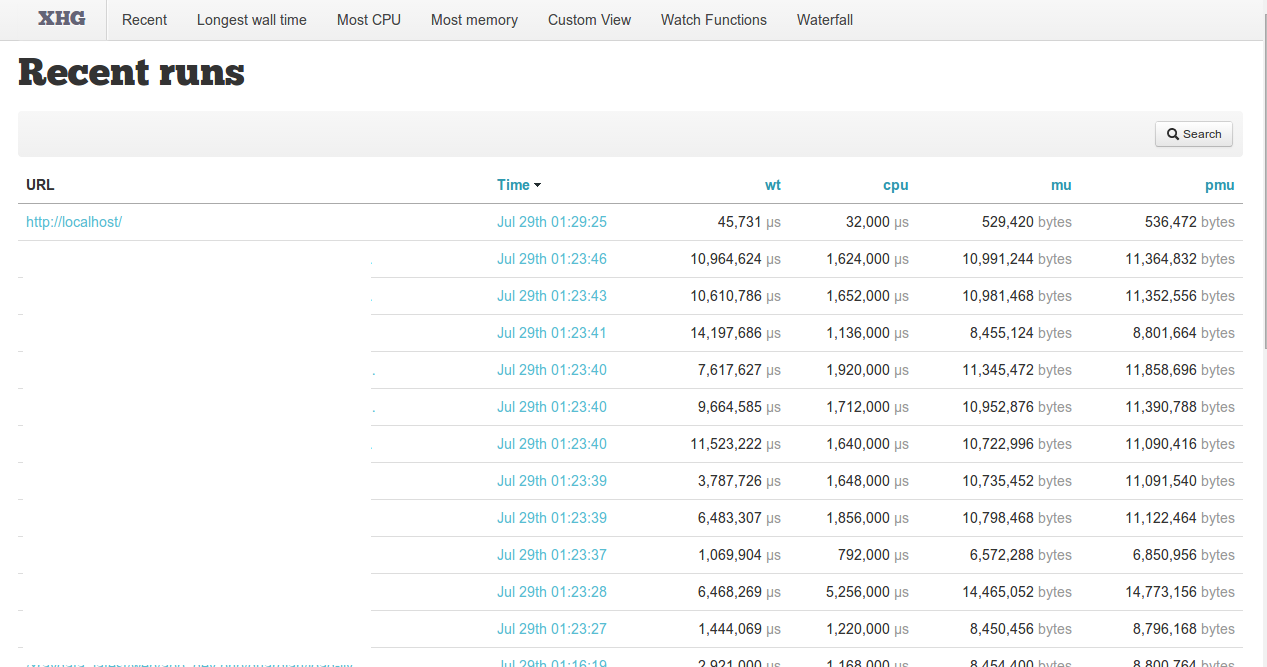
 

algolia – hosted cloud search as a service


LittleSnapper


Found Algolia the other day on https://cdnjs.com/.
Looks cool to try to look out it works…
They have a blog where they post some interesting articles about the service…

Moreover, Algolia is very easy to implement on your website as the company opted for a SaaS strategy. It means that you can implement the company’s search engine for database objects in just a few lines of code thanks to its hosted API, feed the service with JSON-formatted data, and customize it to your needs. After that, your users can start searching right away. They will interact with Algolia’s servers without ever leaving your site. With 12 different data centers across the world, Algolia tries to make the experience as responsive as possible for its users.

Source: http://techcrunch.com/2015/05/20/algolia-grabs-18-3-million-from-accel-for-its-search-api-on-steroids/

B-MobXdCUAARA6q

Some more readings


In Portugal we have a word similar to Algolia… and it isn’t good!

Continue reading algolia – hosted cloud search as a service

/home/jail is not a safe jail, check ownership and permissions.

My jailed user wasn’t connecting to the server via SFTP….
Had to see what was going on!!

root@digitalwhores:/home# tail -f /var/log/auth.log

auth.log looked like this…

Jul 23 19:47:55 digitalwhores systemd-logind[580]: New session 1307 of user sftpuser.
Jul 23 19:47:55 digitalwhores jk_chrootsh[18961]: path /home/jail is group writable
Jul 23 19:47:55 digitalwhores jk_chrootsh[18961]: path /home/jail is writable for others
Jul 23 19:47:55 digitalwhores jk_chrootsh[18961]: abort, /home/jail is not a safe jail, check ownership and permissions.
I had to 0755 the folder /home/jail/
Even that way user wasn’t being able to connect… what was auth.log saying?
Jul 23 19:50:07 digitalwhores jk_chrootsh[19034]: abort, path /home/jail/./home/sftpu is group writable, set option 'relax_home_group_permissions' to relax this check
I had to 0755 the folder /home/jail/home/sftpu
Recommend folders with 0755.
chmod 0755 /home
chmod 0755 /home/jail
chmod 0755 /home/jail/home
chmod 0755 /home/jail/home/**USERS**